
Sequences View
The Sequences view is a list view that can be used to visualize and update all sequences of the selected database.
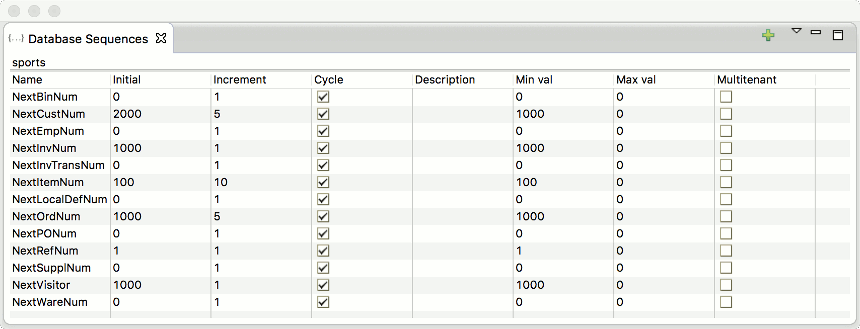
Double click on a sequence record to edit its properties using the properties editor dialog, to add a new sequence use the green plus sign menu icon on the top-right side.