
Export Incremental Database Definition
Export Incremental Database Definition File wizard
This wizard helps you export the incremental definition file (.df) after comparing two database models, either from a diagram or data definition file in the workspace.
Here is how the Export Incremental Database Definition File wizard looks like:
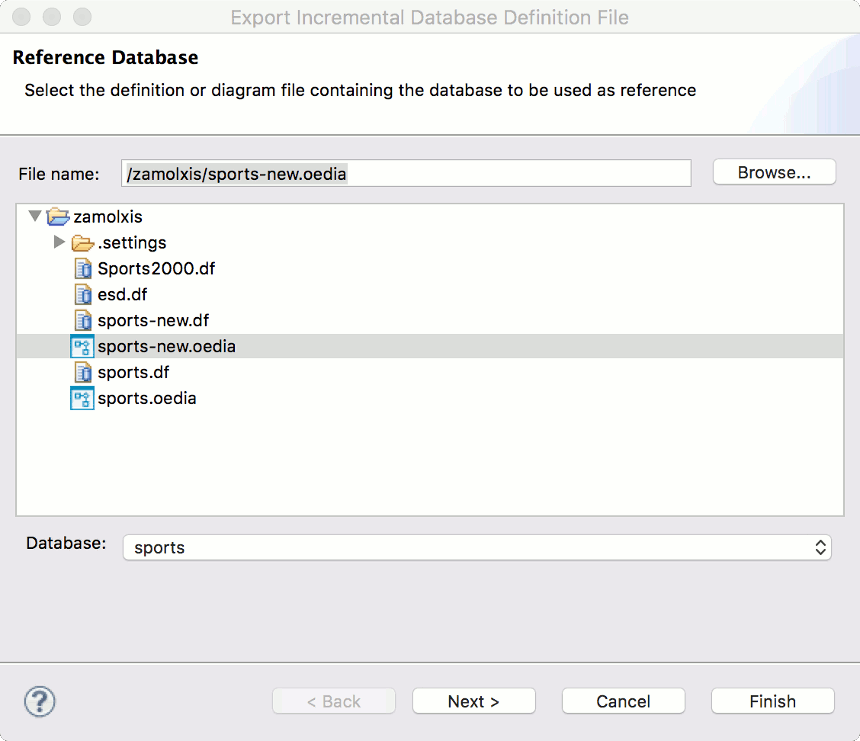
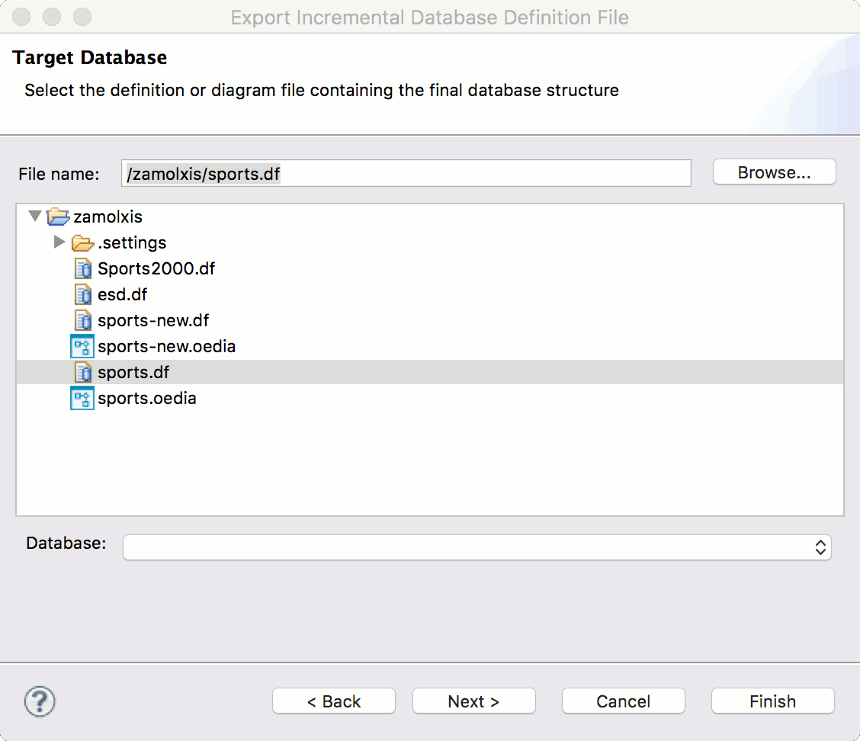
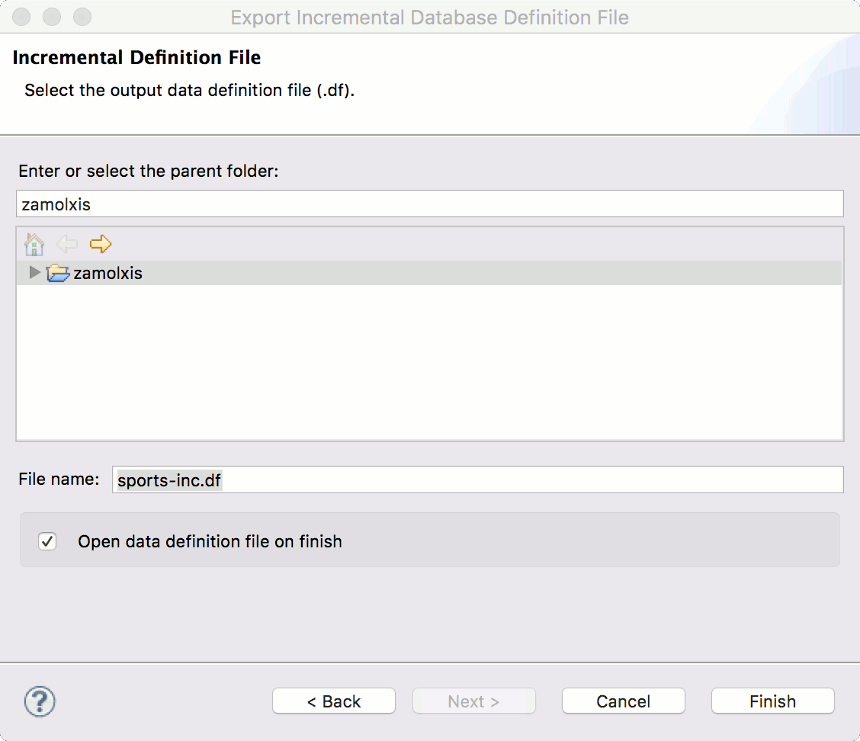
Export Incremental Database Definition File Fields
Page |
Field |
Description |
Default |
Reference Database |
File name |
The workspace file that contains the database model to be used as reference - diagram (.oedia) or data definition (.df). |
First resource that was selected when you invoked the import wizard, if file name matches one of valid extensions. |
Database |
The database to use as reference. |
Root database on a multi-database diagram file. |
|
Target Database |
File name |
The workspace file that contains the database model to be used as reference - diagram (.oedia) or data definition (.df). |
First resource that was selected when you invoked the import wizard, if file name matches one of valid extensions. |
Database |
The database to use as reference. |
Root database on a multi-database diagram file. |
|
Database Definition File |
Enter or select the parent folder |
The resource in which the database definition file is located, or a new file will be created. Type or browse the list to select the resource. |
The resource that was selected when you invoked the import wizard, if file name matches the .df extension. |
File name |
The name for the new database definition file, including the file extension. |
The file name of resource that was selected when you invoked the import wizard, if file name matches the .df extension. |
|
Open data definition file on finish. |
Whether or not to open the database definition file after export completes. |
||
Validation errors |
A list of validation errors or warnings. |